Dynamic Road Mesh Generation
2026/10/10 · 10mins · #devlogIn the last post, I described my aspirations for our next game's level builder, promising an update in the following "weeks or months." Well today I'm back, and... wait, what year is it?!
A lot has changed over the past 17 months! The game is now officially called Delivery Derby (wishlist on Steam 🙏), we've significantly fleshed out the gameplay and design, got some music tracks professionally produced, showed a demo at 2D Con 2026, and have professional game art in the works.
But more on all that some other time. Today, I just want to share the progress I've made on level editor tooling. It has been quite a journey!
From humble beginnings
Before attempting to hand-roll everything, I briefly explored Godot's builtin Path3D as the basis for road shapes, but it quickly became apparent that Bézier curves have too many degrees of freedom. I just wanted to place a few nodes and have a logical, smooth road automatically connect the dots. After some experimentation, I landed on this approach:
These curves are a combination of biarcs and Dubins paths, which both have desirable properties but neither is usable on its own:
- Biarcs have a smooth, pleasing shape most of the time. But they do not respect a minimum turn radius, and under certain conditions generate paths that are WAY too long (see interactive demo in biarcs link above).
- Dubins paths respect a minimum turn radius and guarantee an optimal path. However, the shortest possible path is not always the smoothest or best looking.
The simple solution was to generate a biarc by default, but if it turns too sharply or is too long, fallback to Dubins. You can see this fallback behavior in the video above (when the road snaps suddenly).
Improving editor support
Happy with the proof of concept, it was time to make the tool more usable. Wiring up nodes by hand seemed too tedious for rapid level prototyping, so I added some editor buttons to speed up common operations:
Append
Create a new node a few meters away from your selection, and wire up the connection.
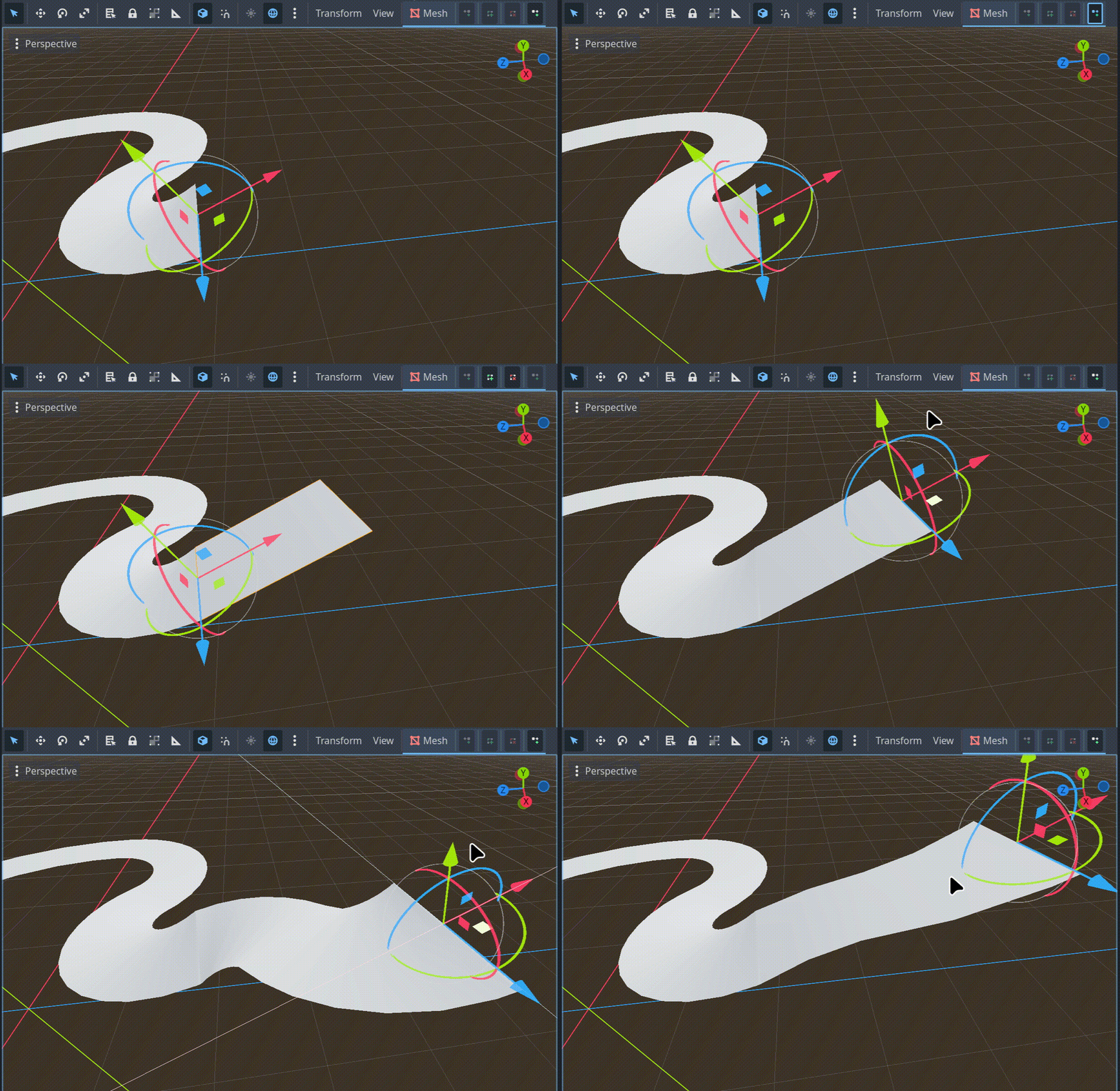
Insert
Given an existing connection A → B, insert a new node C, disconnecting A and B and wiring up A → C → B.
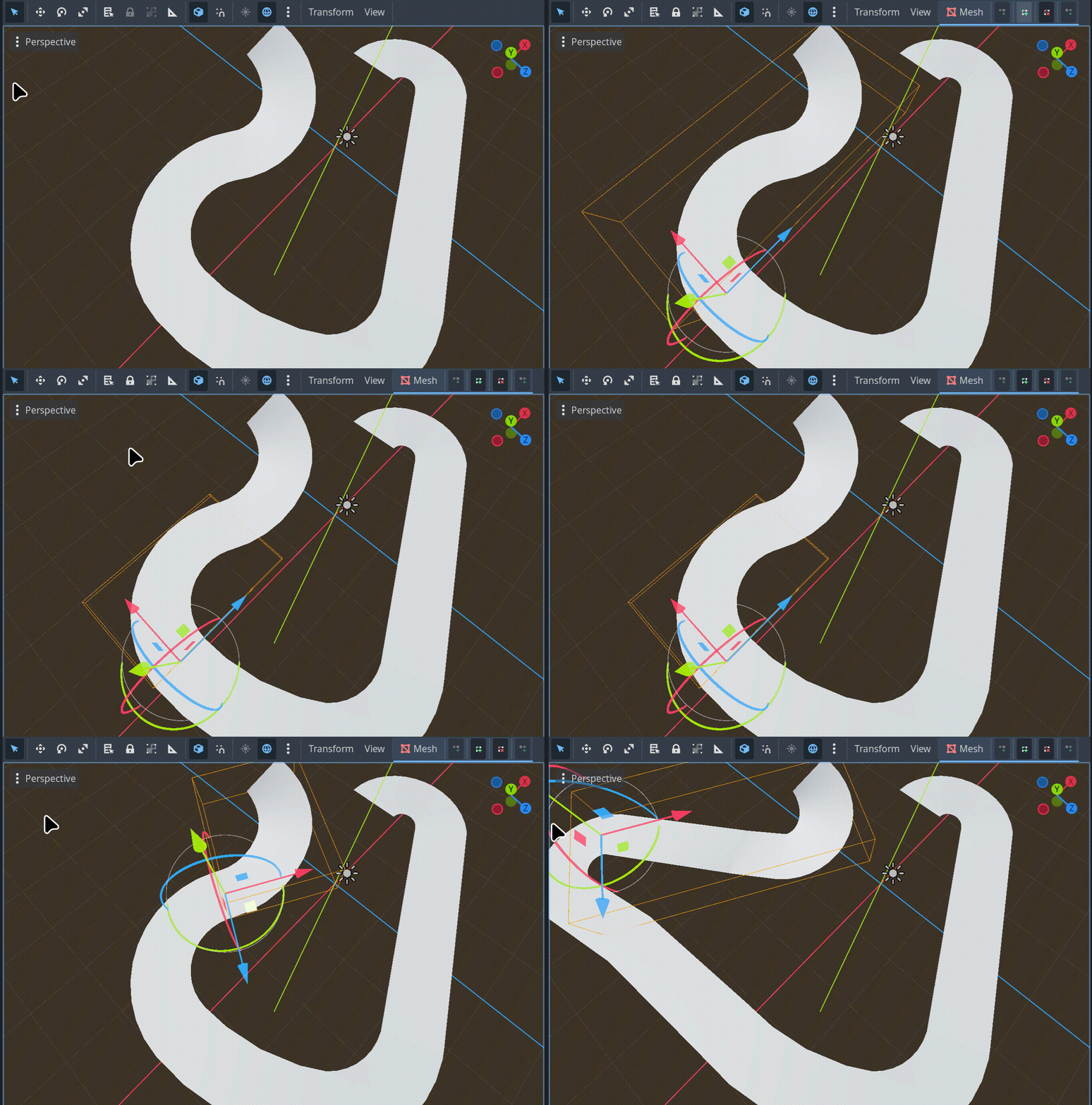
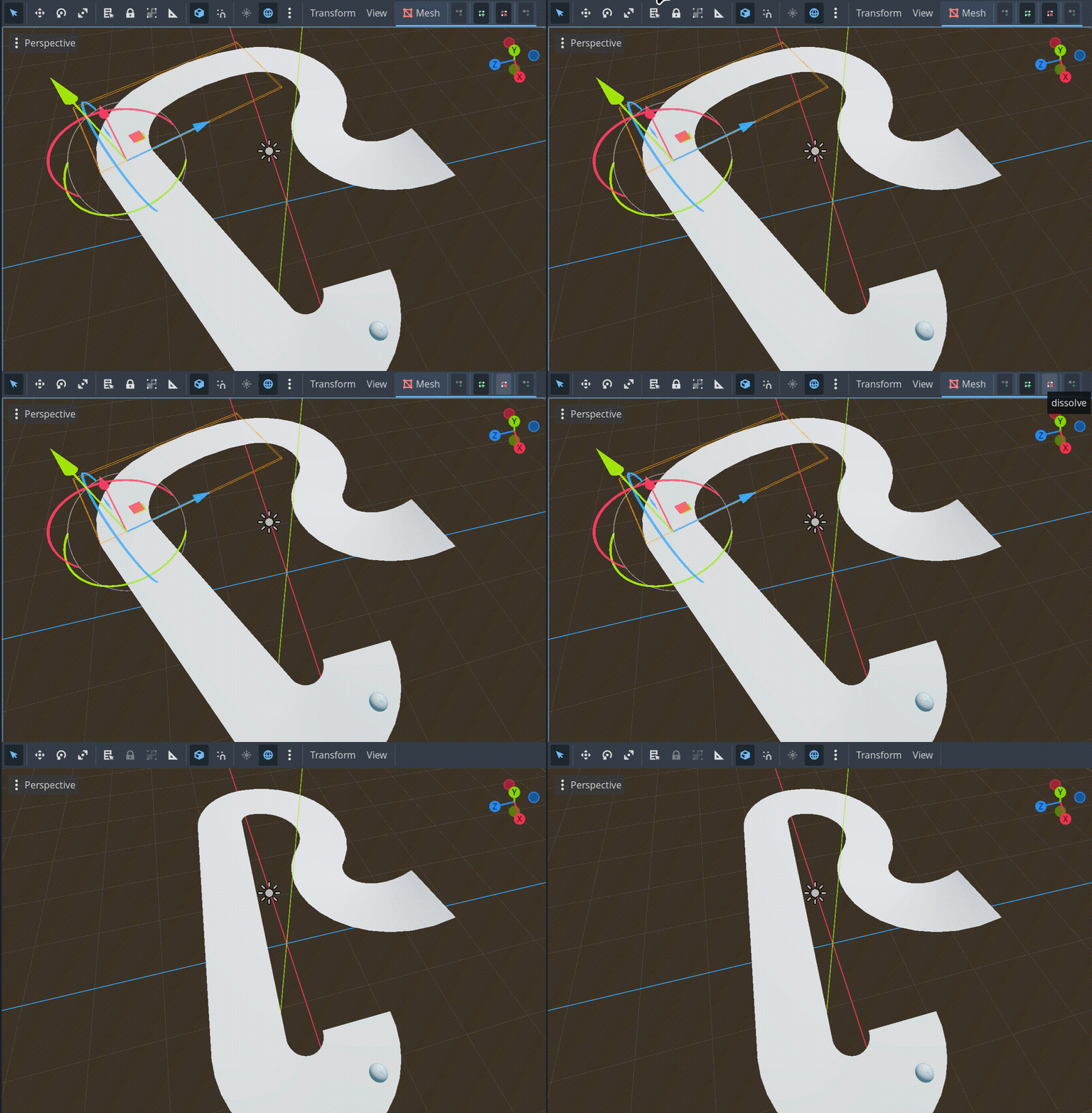
Dissolve
Opposite of insert. Given a connection A → B → C, remove node B and reconnect A → C.
Better road geometry
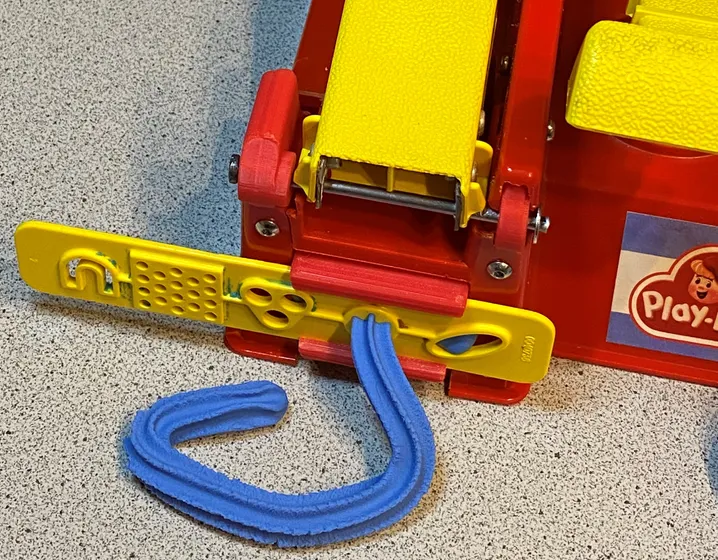
Next it was time to move beyond flat road surfaces. My plan was to generate geometry using 2D profiles that extend along the curves shown above, much like a play-doh extruder:
However, a road's profile can change over its length, such as when lanes or center dividers are added/removed. Smoothly transitioning between different road profiles would be a challenge. This was my first attempt with limited transition support (note the awkward center divider transitions):
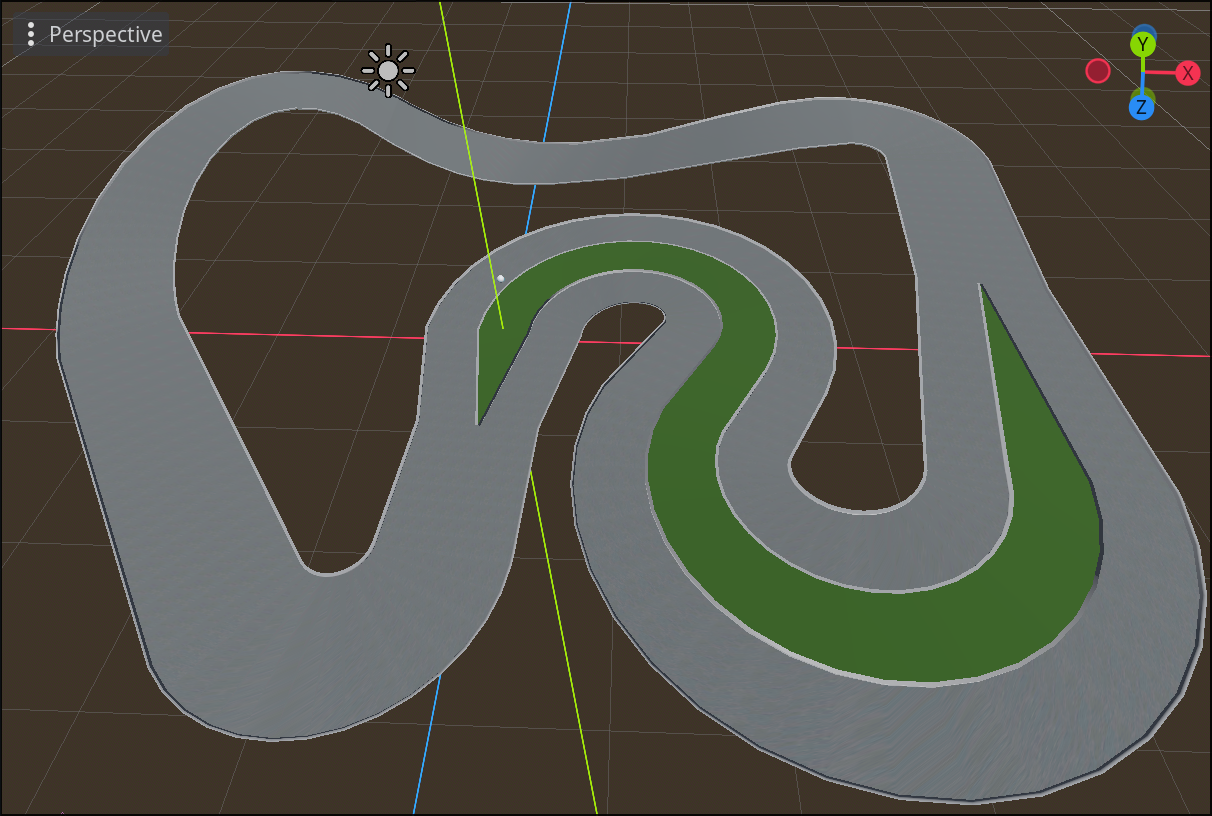
I would improve upon this later, but first we sorely needed intersections to have a functioning road system. Intersections don't fit the "play-doh extruder" mental model, which made them a bit harder to implement. For the first pass, I just ignored the corner geometry:
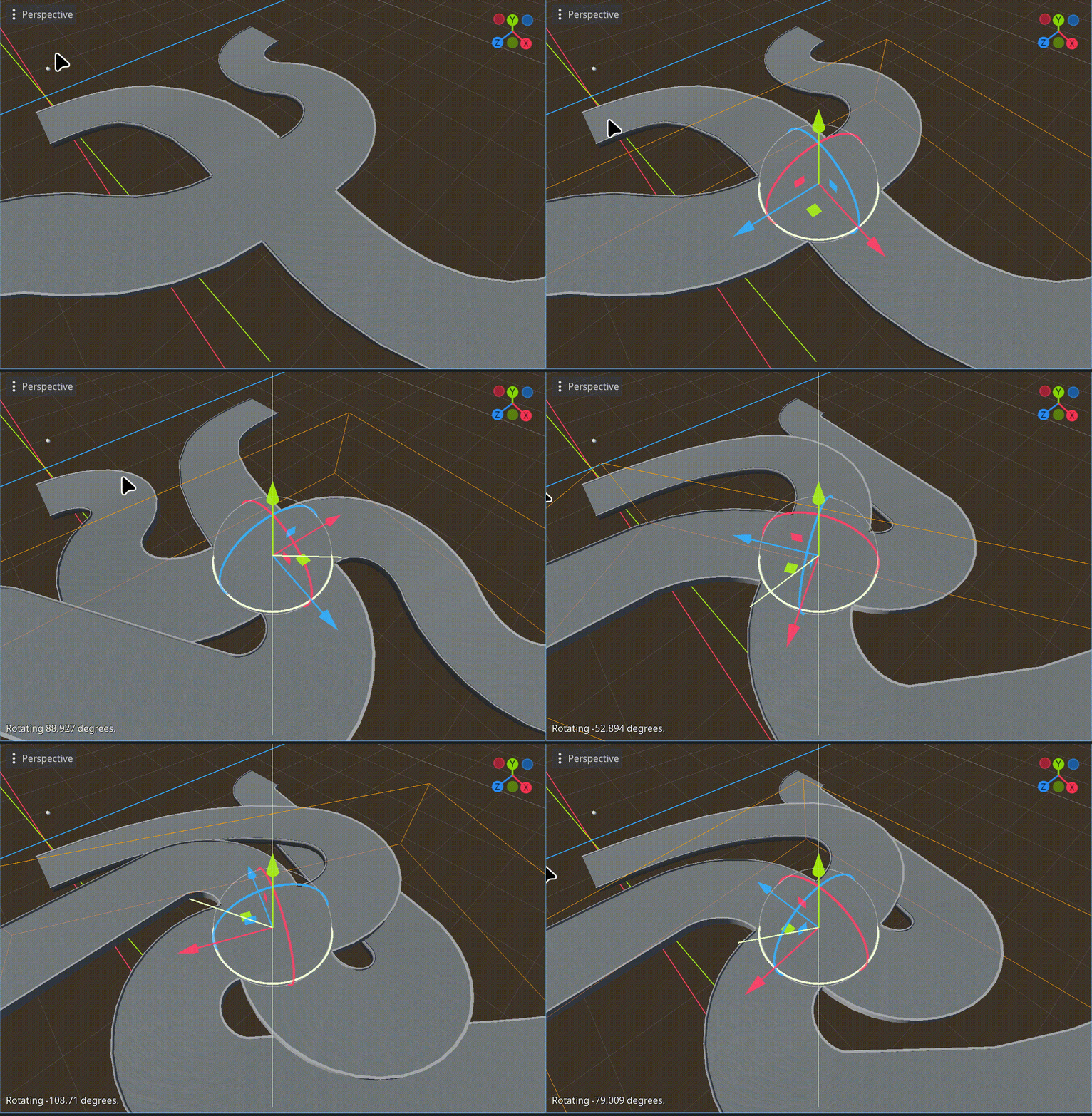
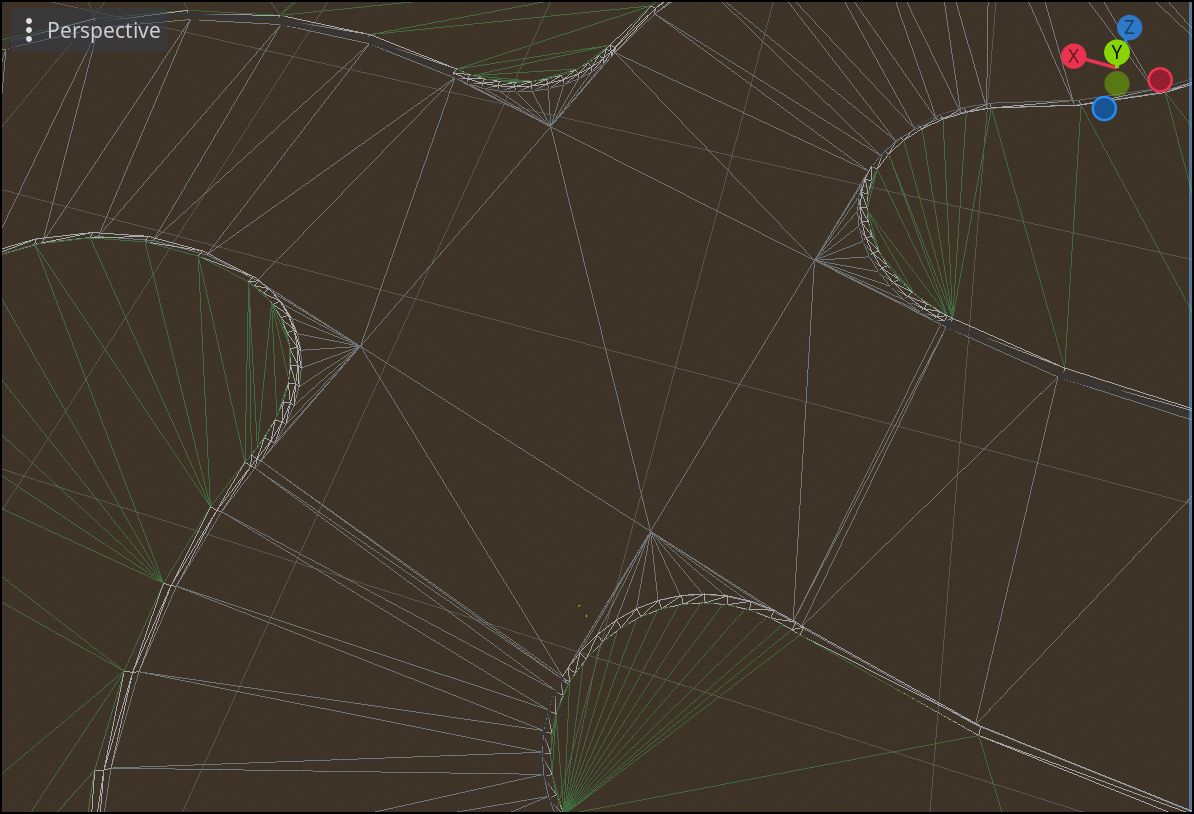
It took much longer to make smooth intersection corners, but the effort was worth it. Here's the wireframe view, which I thought was quite satisfying:
Terrain and building experiments
You may have noticed green lines in that last screenshot. That's because as I was wrapping up intersections, I was already moving on to procedural terrain.
Our grand vision was to have terrain be defined implicitly, entirely in terms of the roads. The rationale was that our game takes place entirely on roads, so manually designing terrain would be a waste of time. However, making auto-generated terrain look good turned out to be extraordinarily difficult, eventually leading us to postpone the auto-terrain feature indefinitely.
That said, a lot of interesting work was done here, and we may need to revisit if we want an in-game level editor in the future. Here was an early prototype:
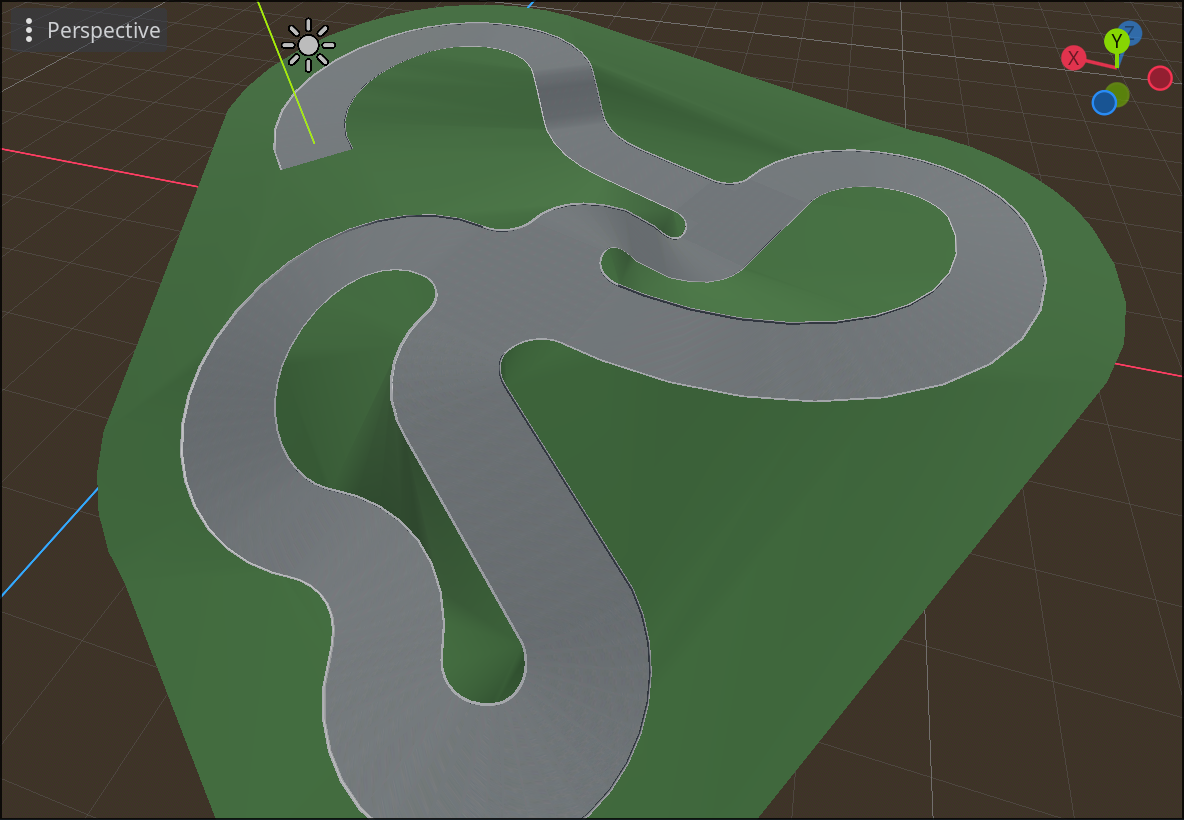
At this stage, there was no terrain smoothing. We simply traced the edges of the road network to form rings, then used an off-the-shelf library to triangulate the rings into polygons.
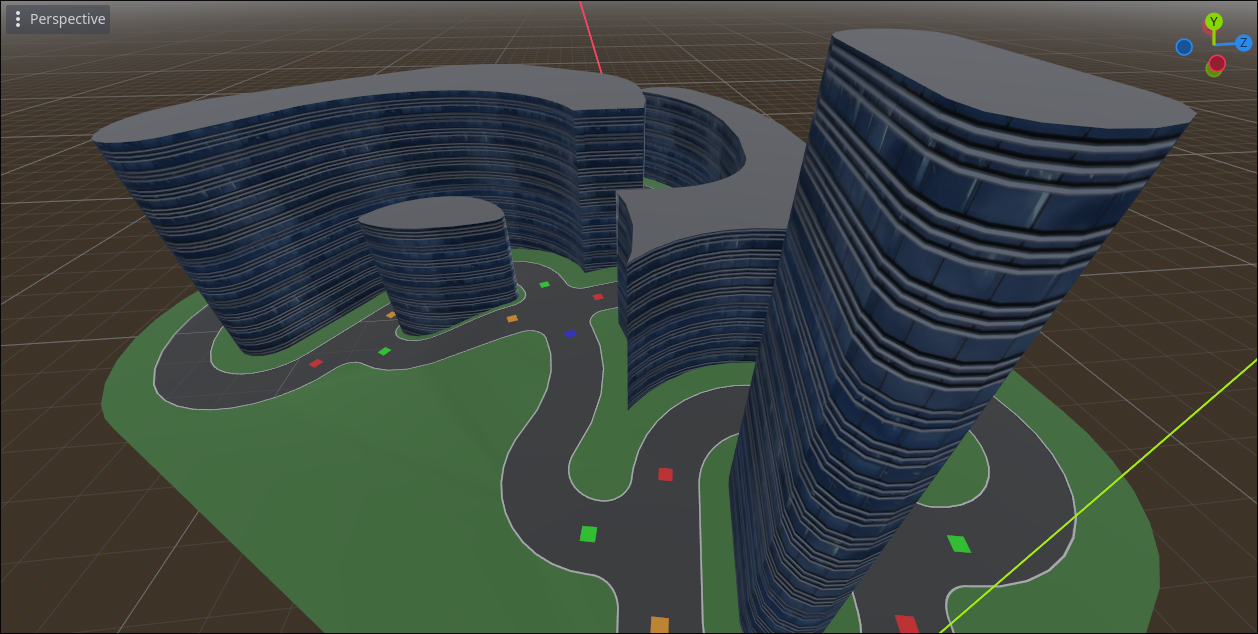
This ring tracing code also ended up being useful for quickly generating buildings that fill the space between roads. This was ultimately scrapped as well, but we did get some use out of it for a couple play test sessions.
Refining the road editor
Needing a break from these experiments, I shifted my focus back to the road system. This code badly needed refactoring and the editor experience was still lacking. This is when I learned how to make Godot editor gizmo plugins, which simplified making node selections and connections:
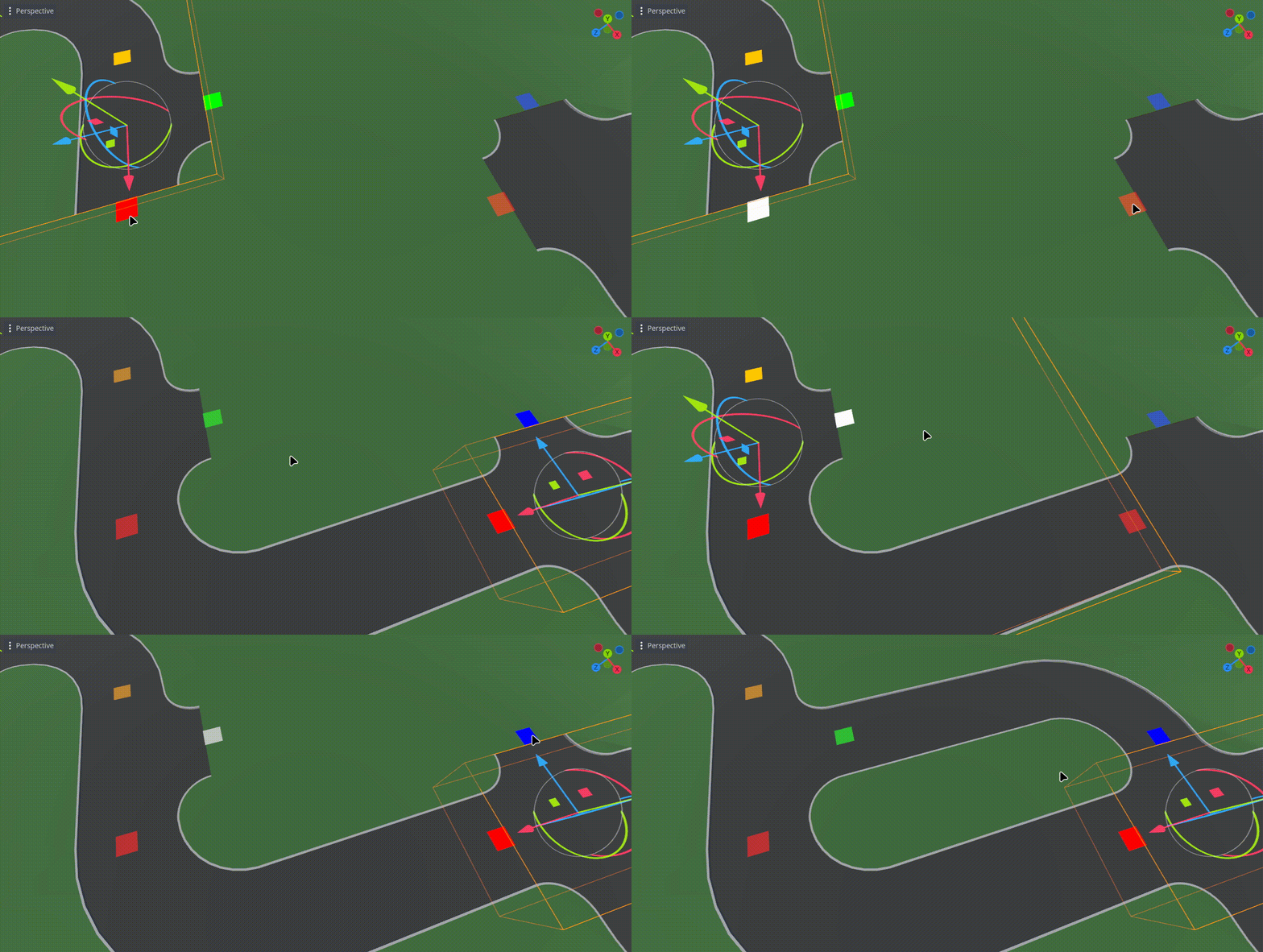
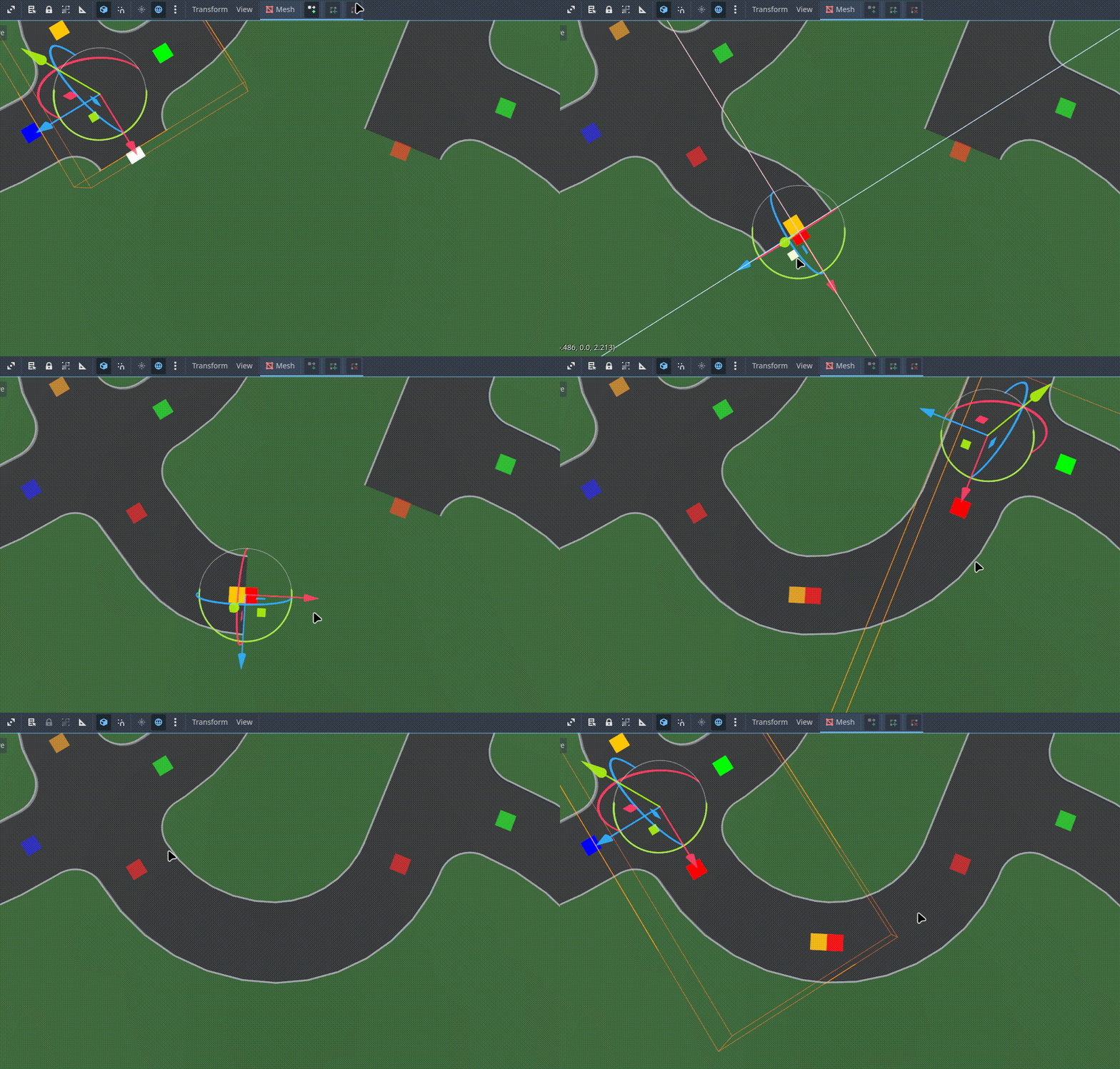
This was a nice compliment to the append/insert/dissolve buttons added previously, especially when choosing which "port" you want to operate on:
Refining road visuals
Until this point, relatively little work had gone into texturing, so that was my next project:
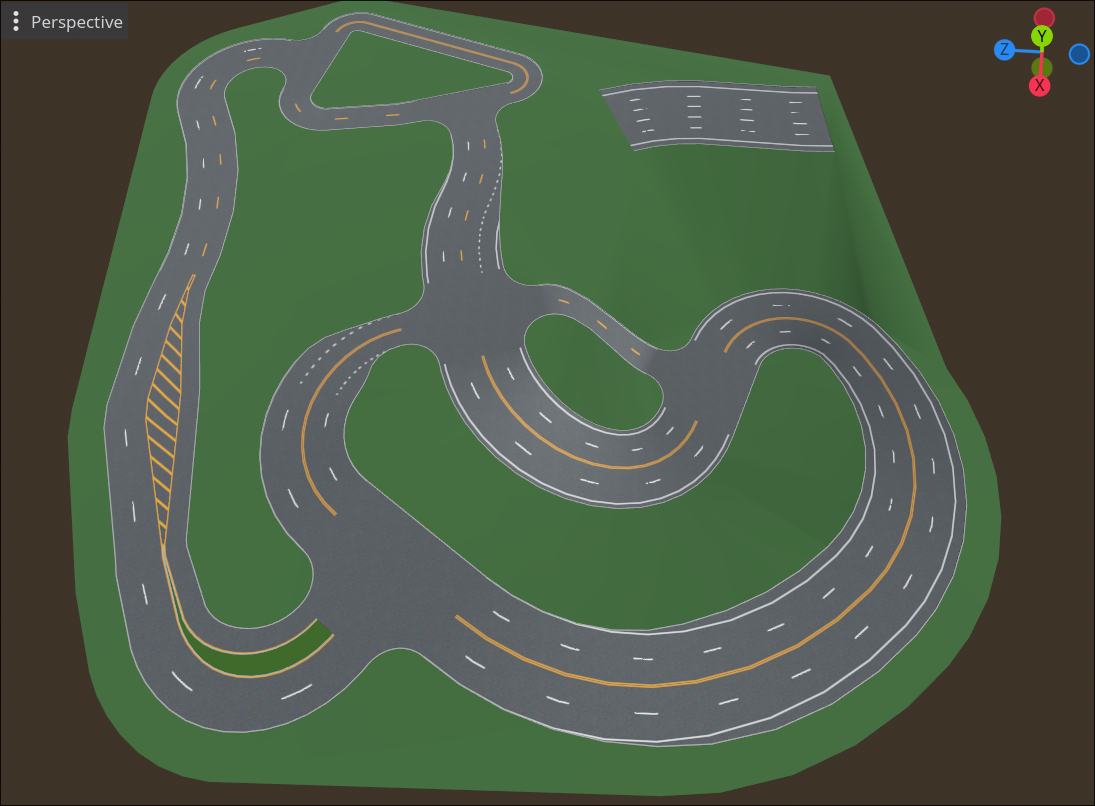
I used free textures from Poliigon for the visual base, and layered in the painted lines procedurally. The painted look is achieved by overriding the albedo value with a solid color, and using a threshold-mask based on the ambient occlusion map to simulate weathering.
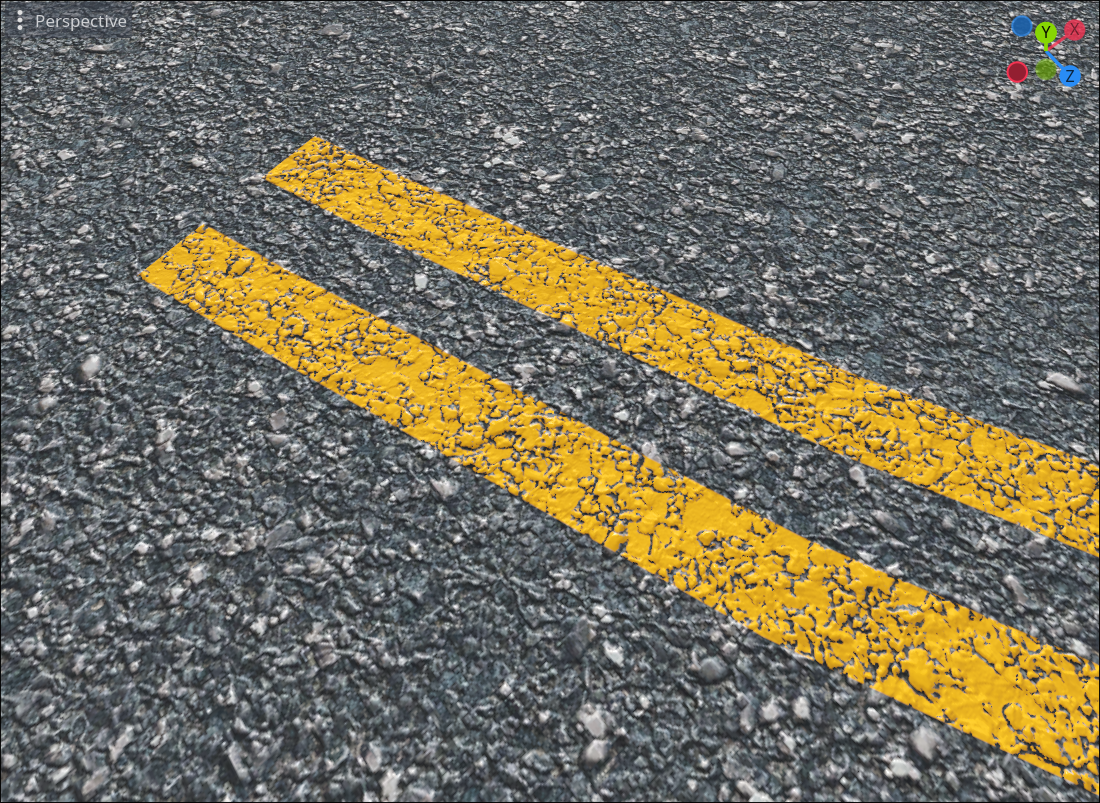
The fragment shader has to calculate whether each pixel of road is painted or unpainted. Because I used world-space XZ coordinates for texture sampling, the UV1 channel was free to be repurposed for "road-space" coordinates: distance from the center of the road, and distance along the length of the road. That's almost enough for the fragment shader to work, but it also needs to know the road's configuration (how many lanes, width of center divider, whether a lane transition is happening, etc.), which I encoded into the unused vertex color channel.
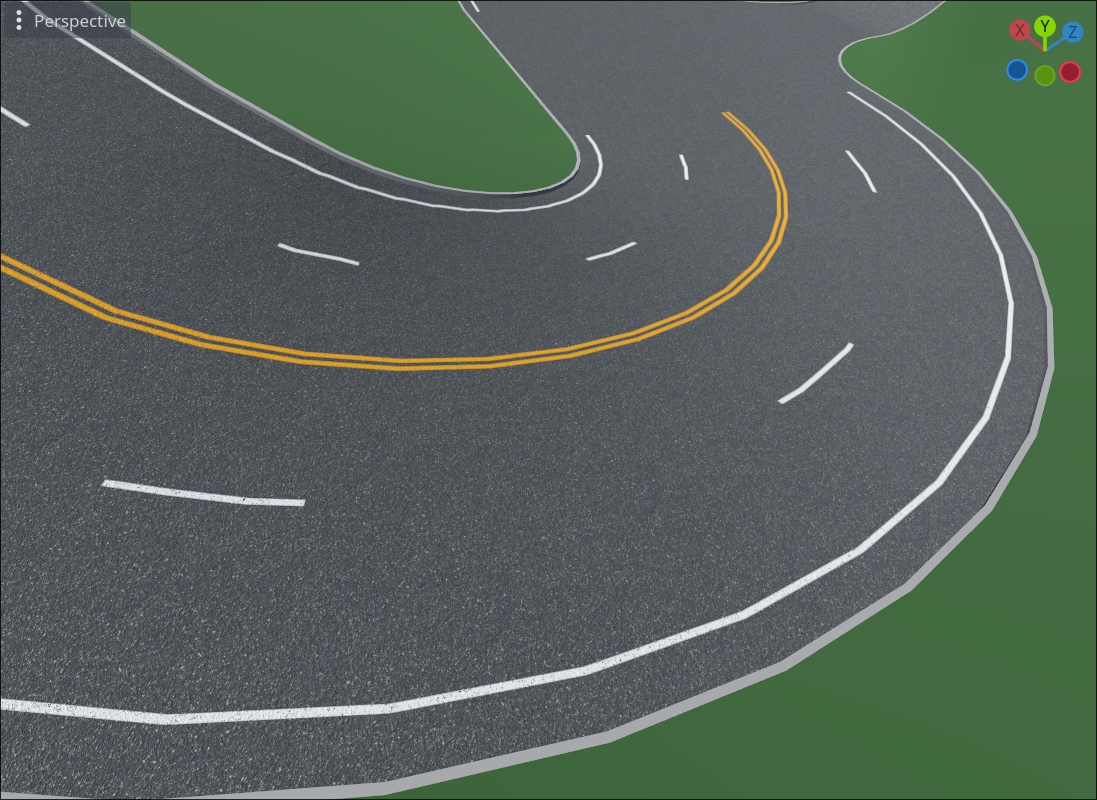
This was enough to derive center lines, dashed lane separators, shoulder lines...
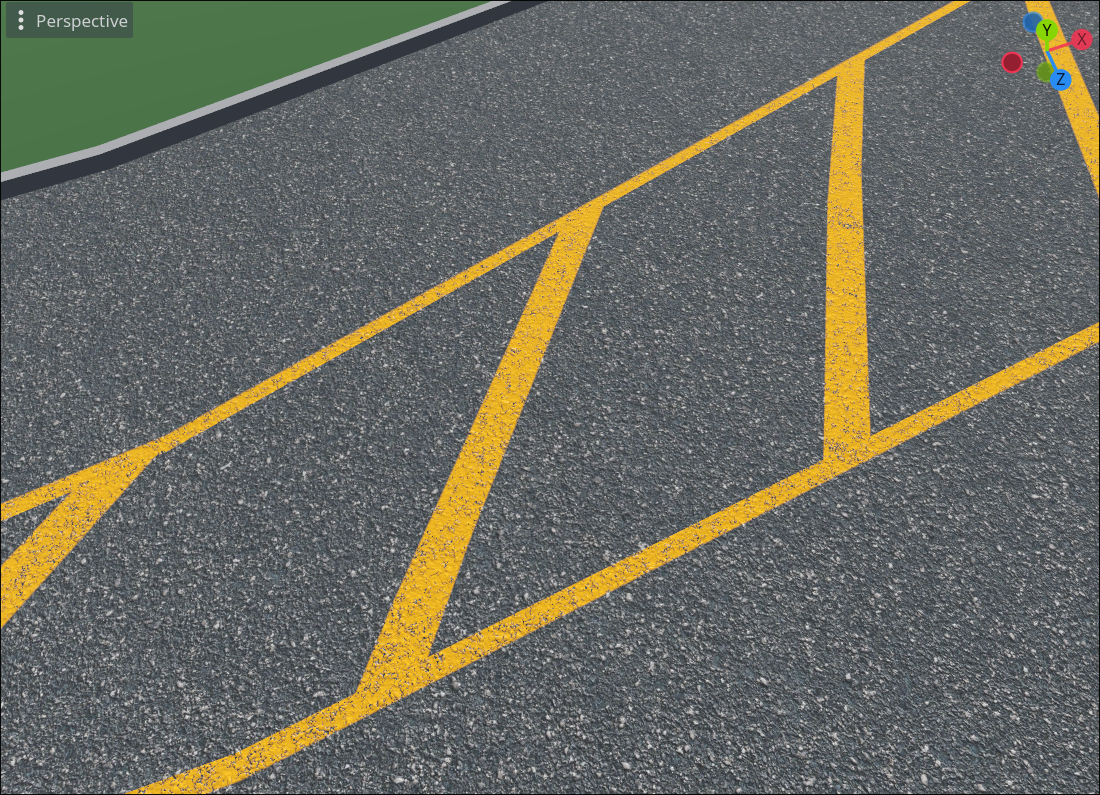
...diagonal center divider lines...
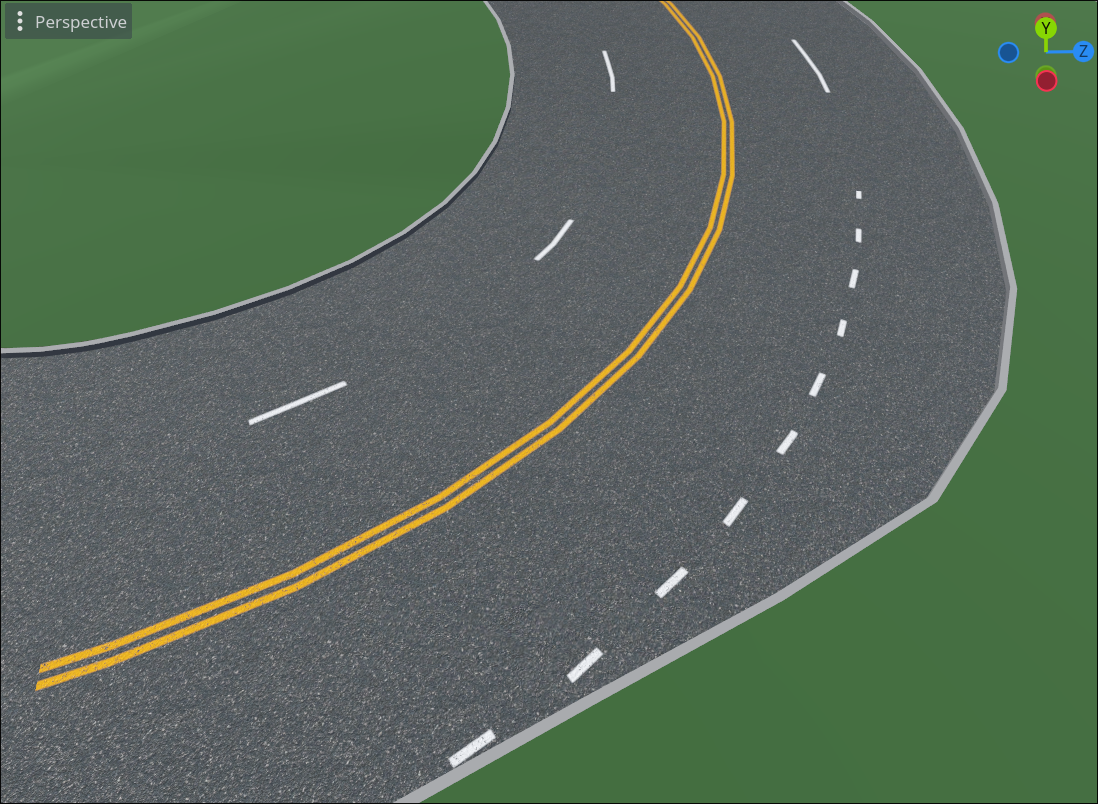
...and even lane transition lines.
Happy with the road lines, I turned my attention to the road's periphery. Pretty much all curbs where I live are combined with a gutter, so I added those:
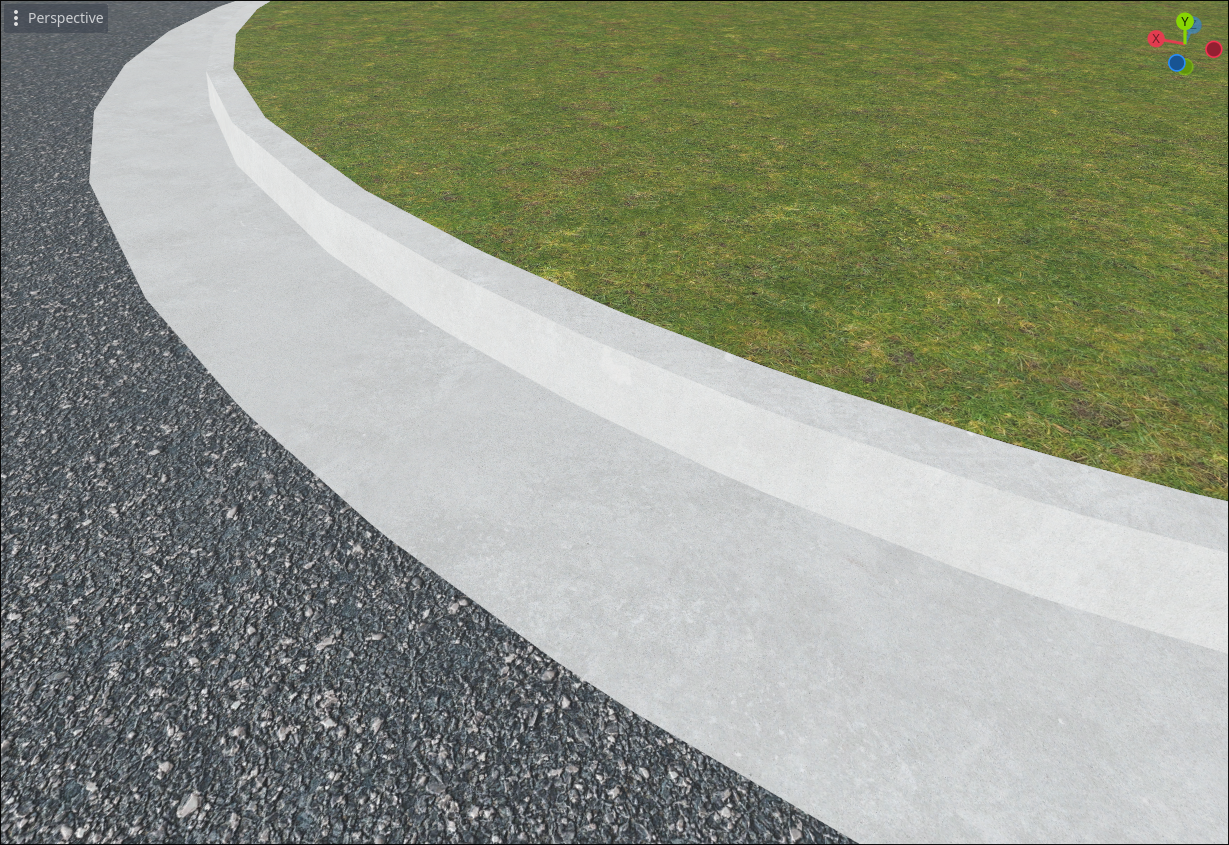
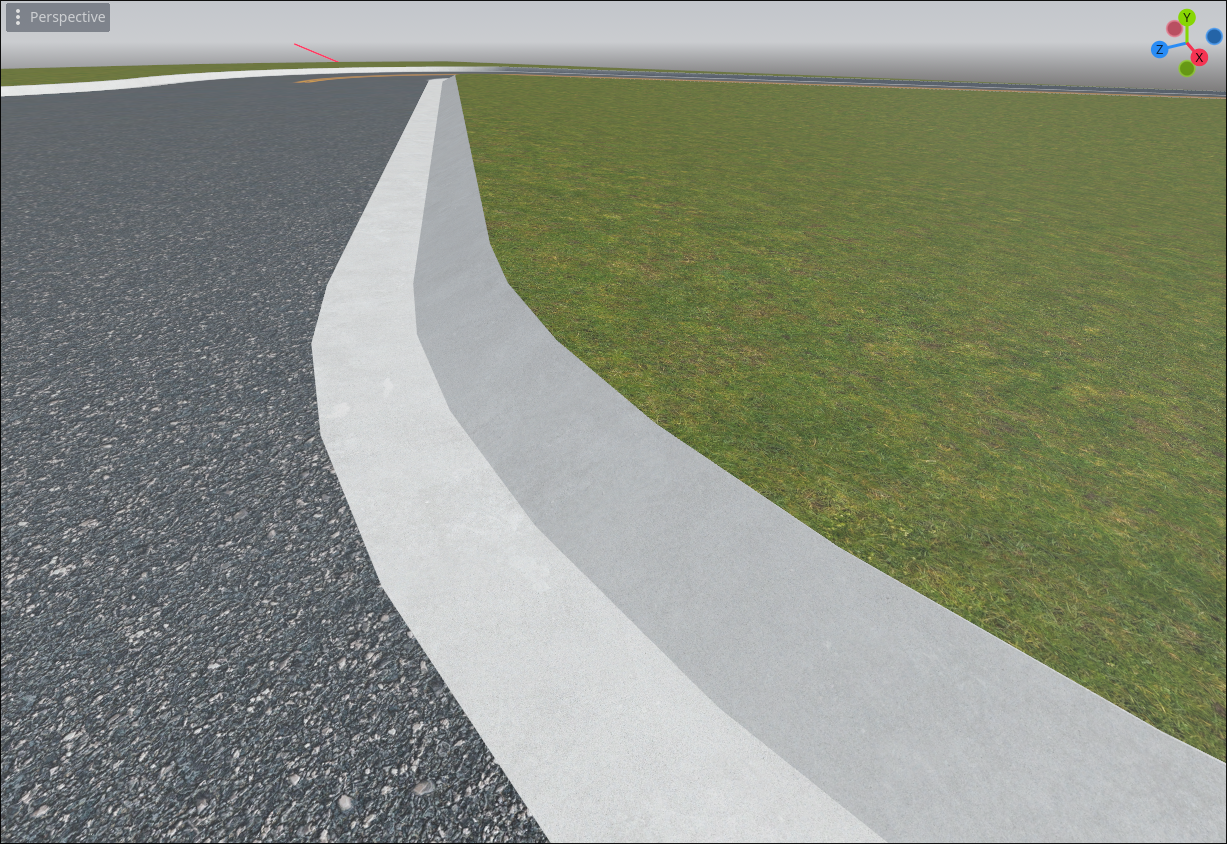
This is also when I learned that curbs come in many shapes and sizes. The curbs most people think of (above) are called "barrier curbs," but many residential areas have "rolled curbs," so I added those as well:
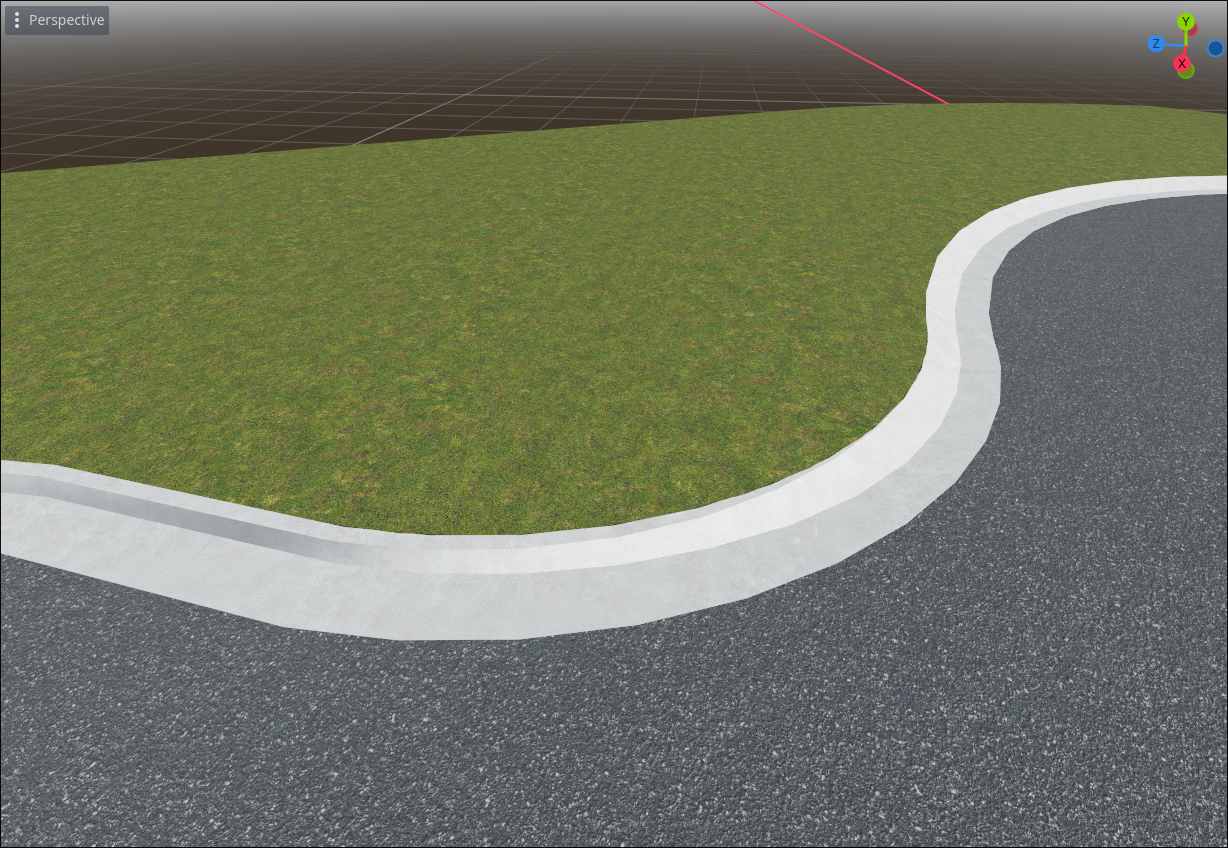
With two different curb shapes, we also needed a way to transition between the two. Luckily, real life had examples to take inspiration from. I'm quite happy with how it turned out:
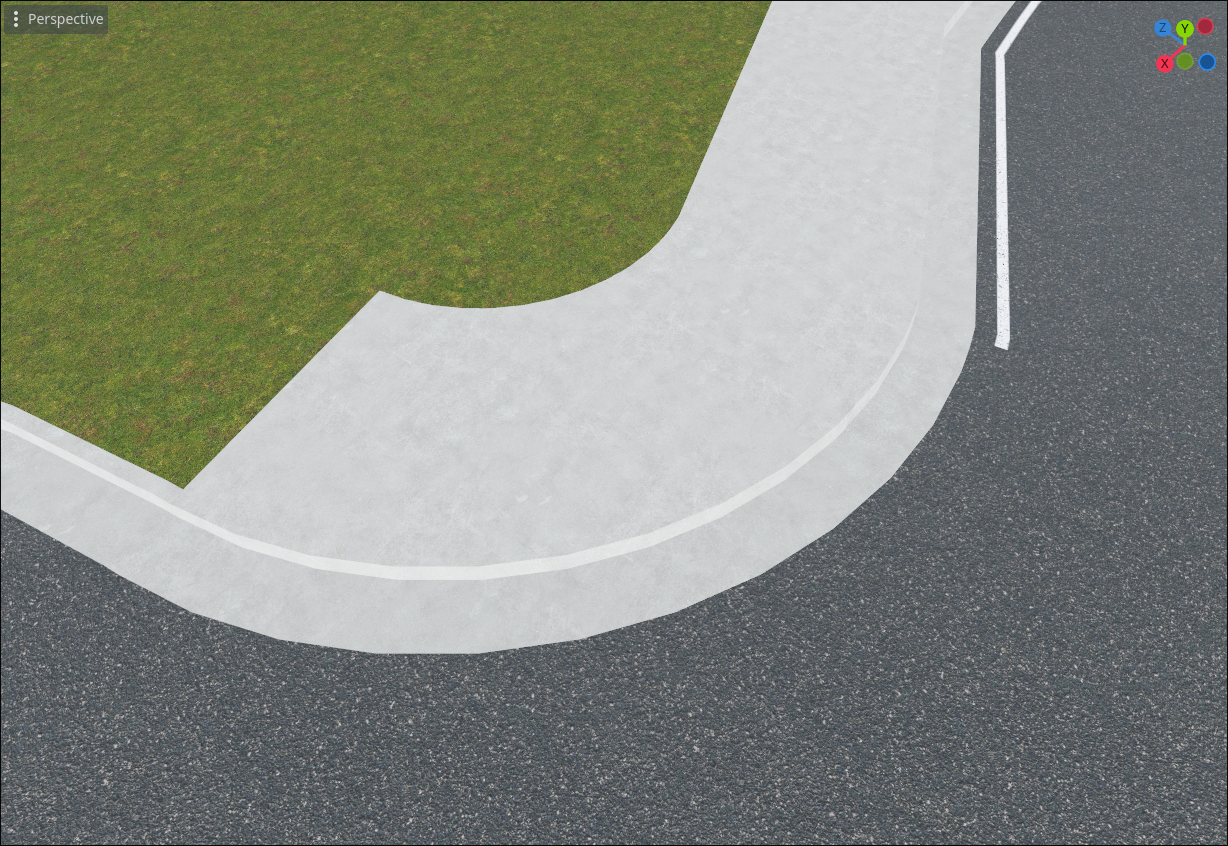
Similar to curbs, I added two styles of sidewalks: "city style" that are directly adjacent to the curb, and "residential style" that have some green space between them and the road.
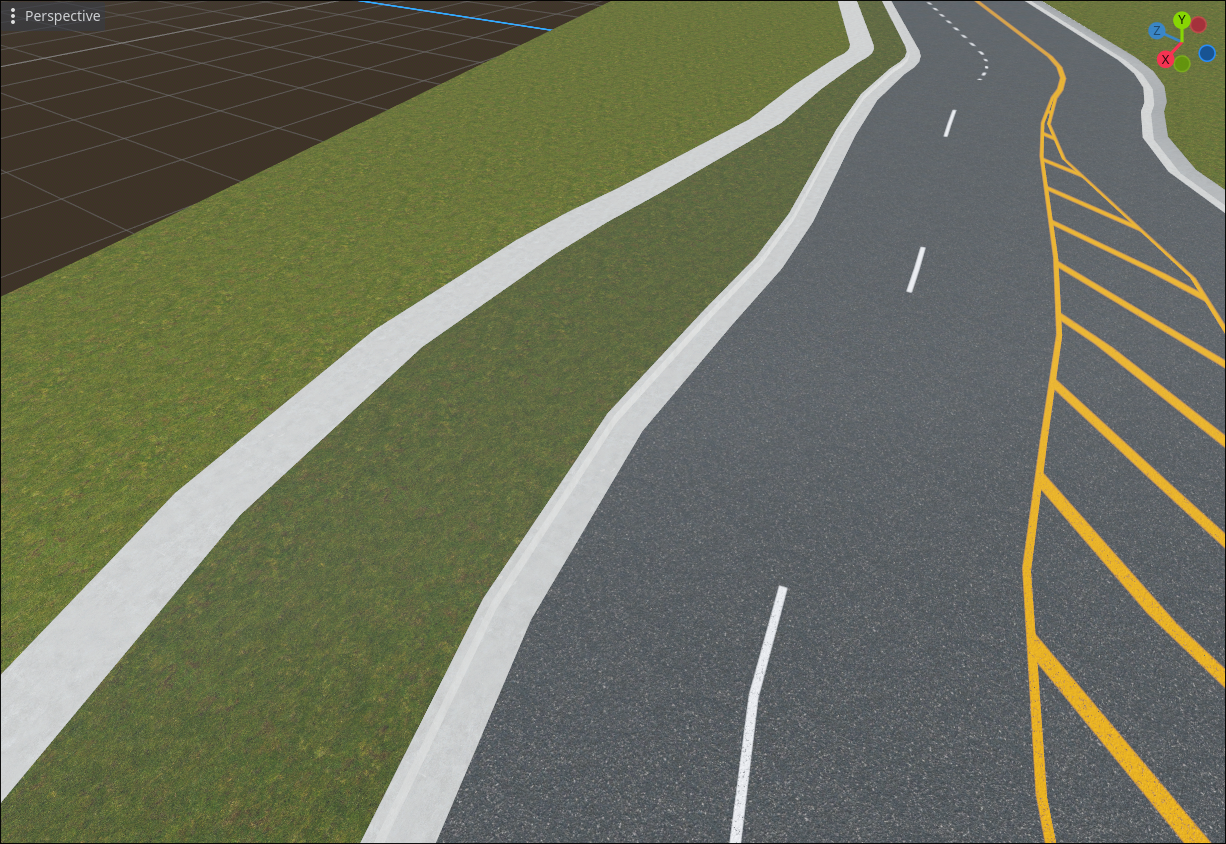
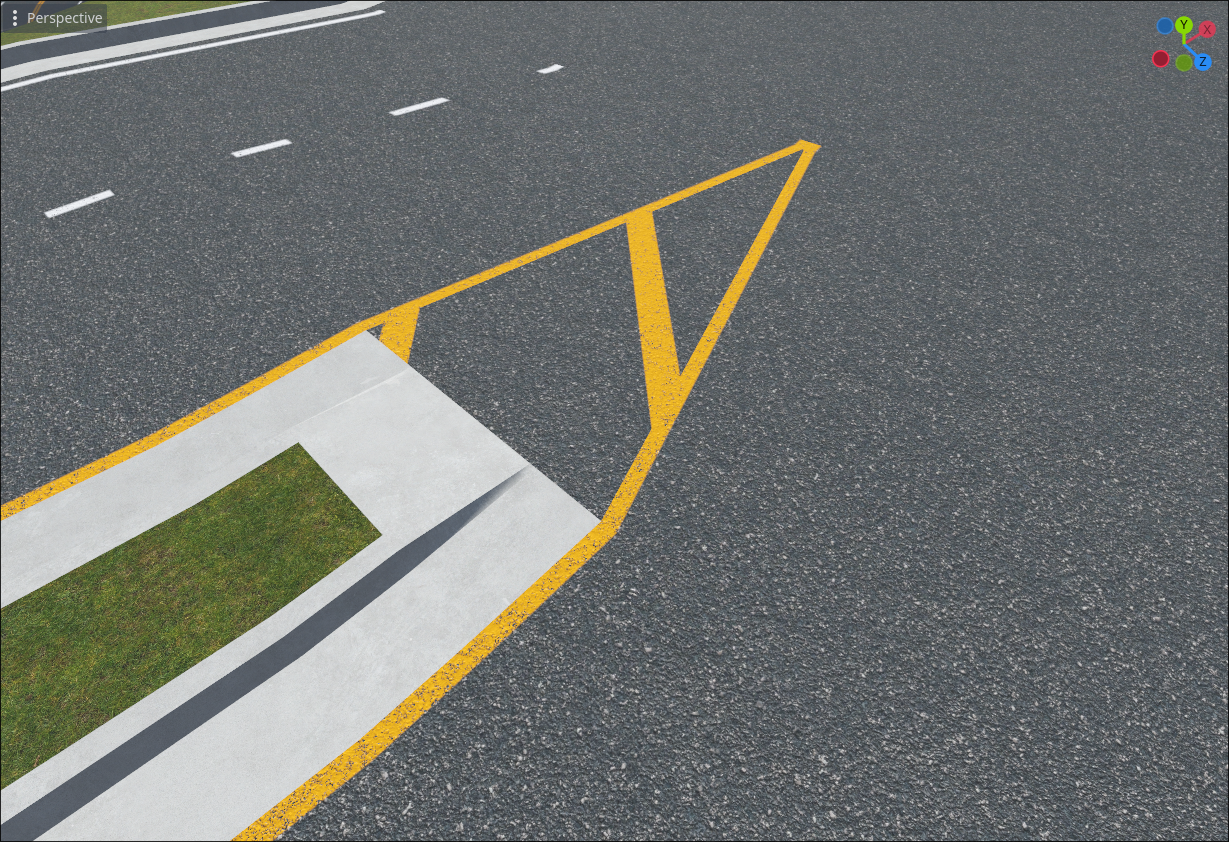
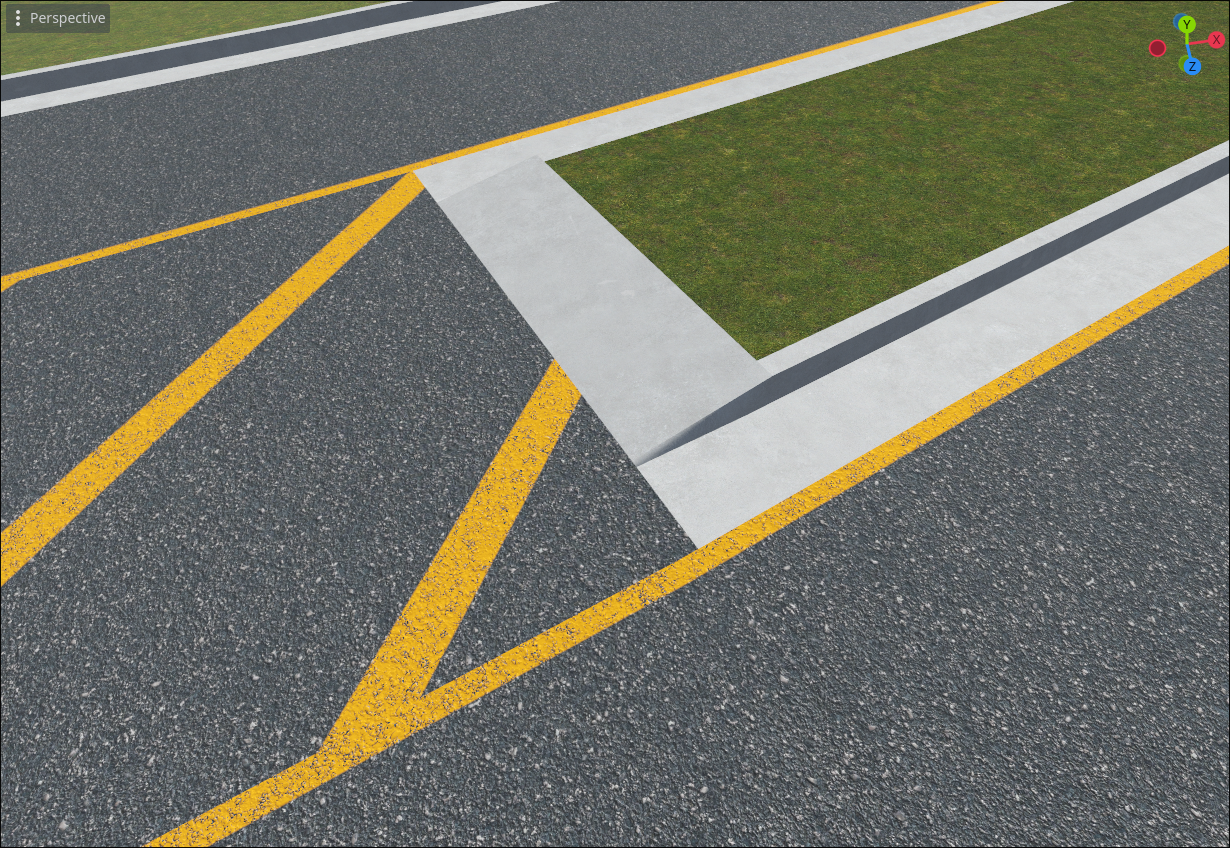
I was down to edge cases at this point. One that I had procrastinated solving was center divider transitions, because like intersections, they don't fit the play-doh extruder mental model. Some ugly code was required to make these work:
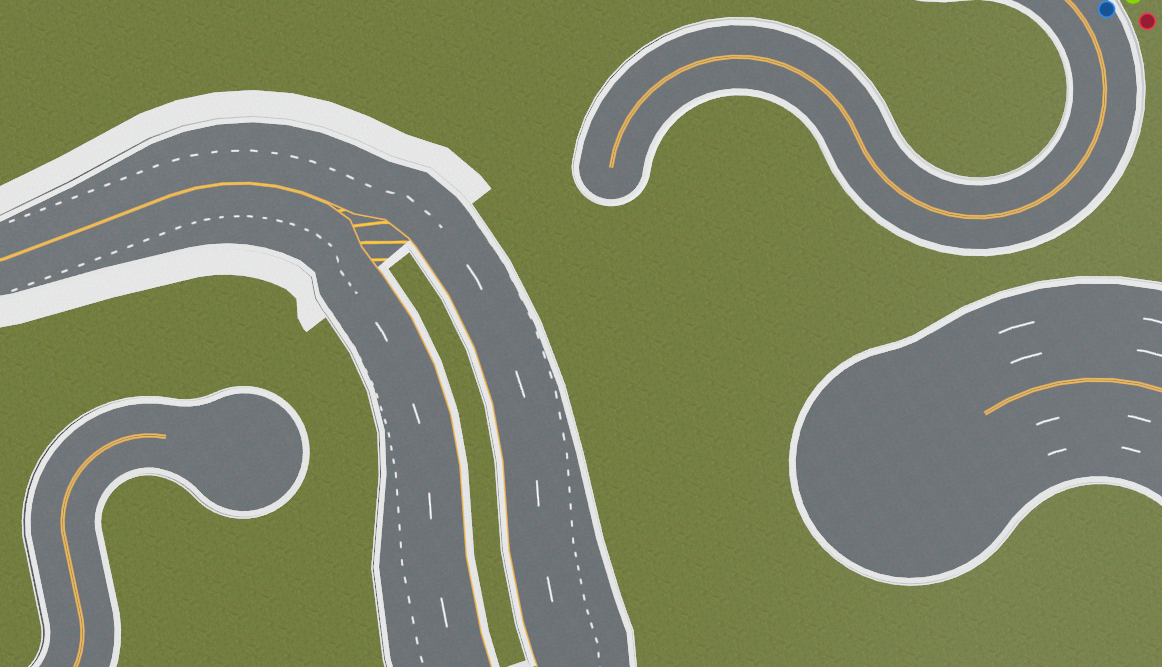
Lastly, I needed a way to handle dead ends, so I added culdesacs (with configurable radii):
Attempted terrain refinements
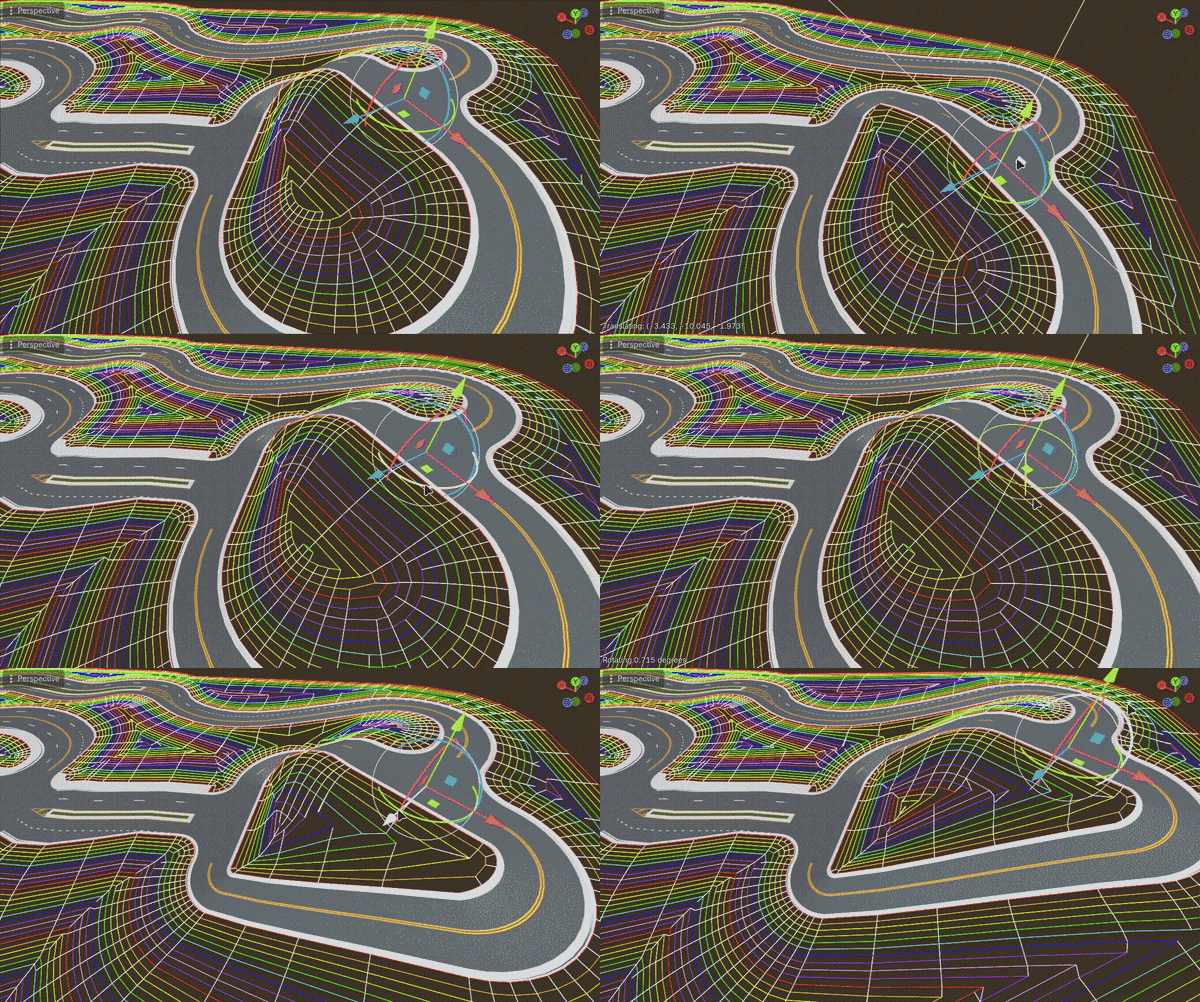
As mentioned earlier, the terrain system would eventually be shelved, but there were a few things we tried before reaching that conclusion. First, I wanted to make the terrain smoother. Off-the-shelf triangulators weren't doing a great job, so tried my own algorithm that was ultimately a dead-end, but it resulted in some mesmerizing debug visuals:
Another issue with the terrain system was that all output was sloped and smooth -- no way to have cliff faces, which emerged as a level design necessity. Before giving up on the terrain system entirely, I tried hacking in a manual cliff face editor. The hope was that manually placing cliffs would give just enough control over the terrain without having to fully specify everything. And because cliff faces could be thought of as near-vertical rings, they could fit right in to the terrain triangulation system with minimal refactoring:
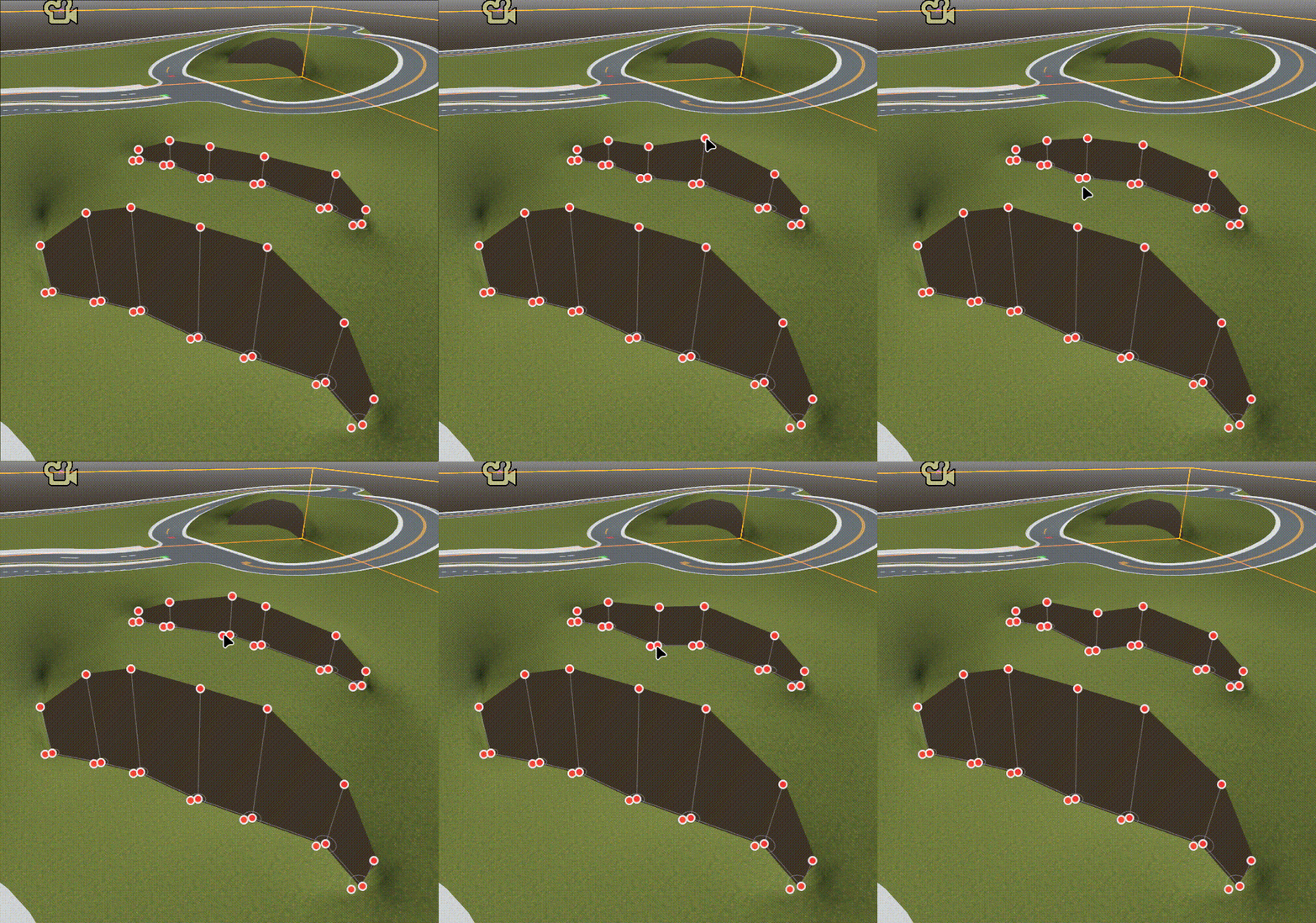
The cliff editor ended up being too painful to work with, but it did technically accommodate what we wanted to create at the time:
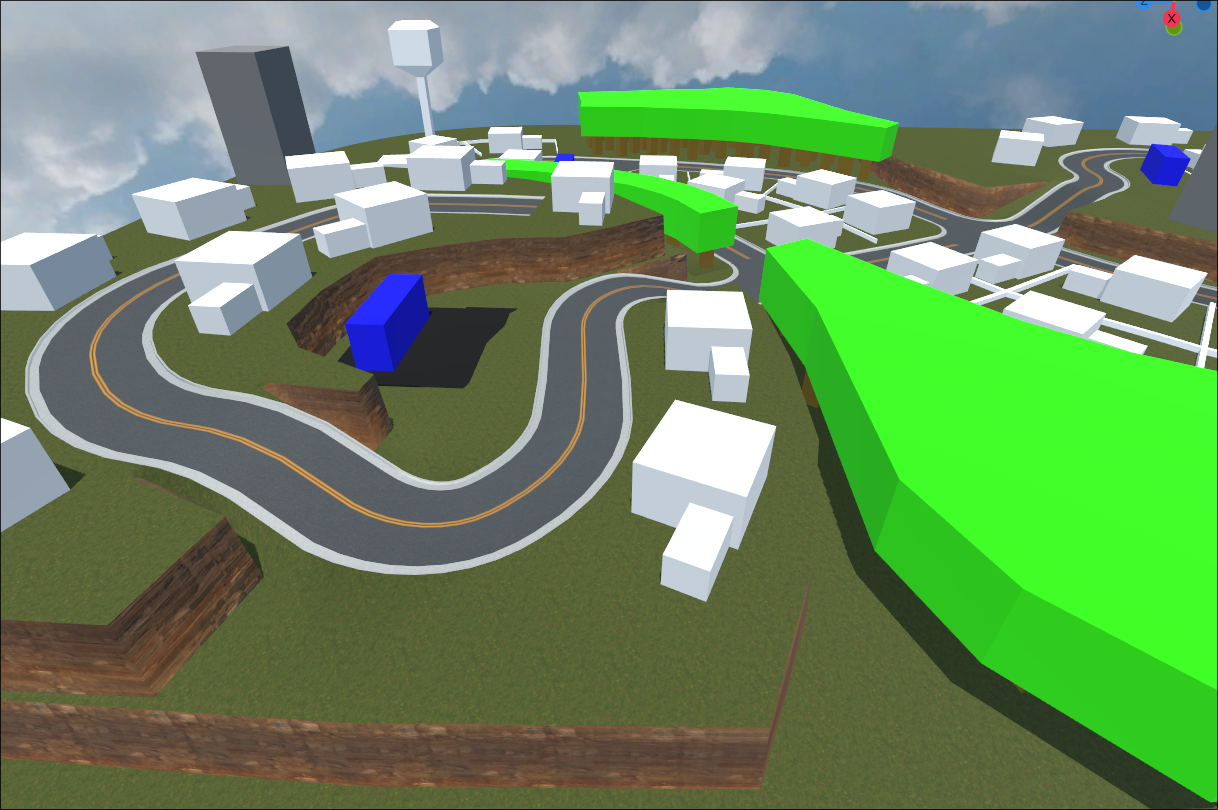
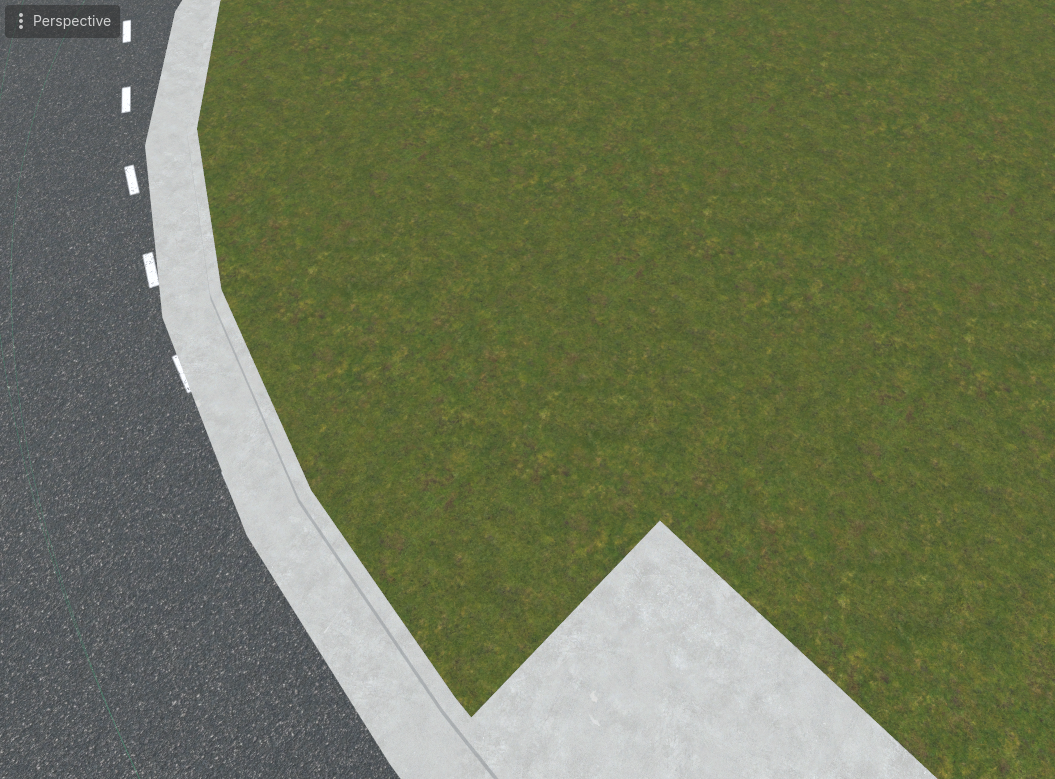
It was at this point that we decided to cut our losses with terrain generation. We could make what we needed by hand in Blender, and just generate banks off the sides of the roads to make some wiggle room for manual placement:
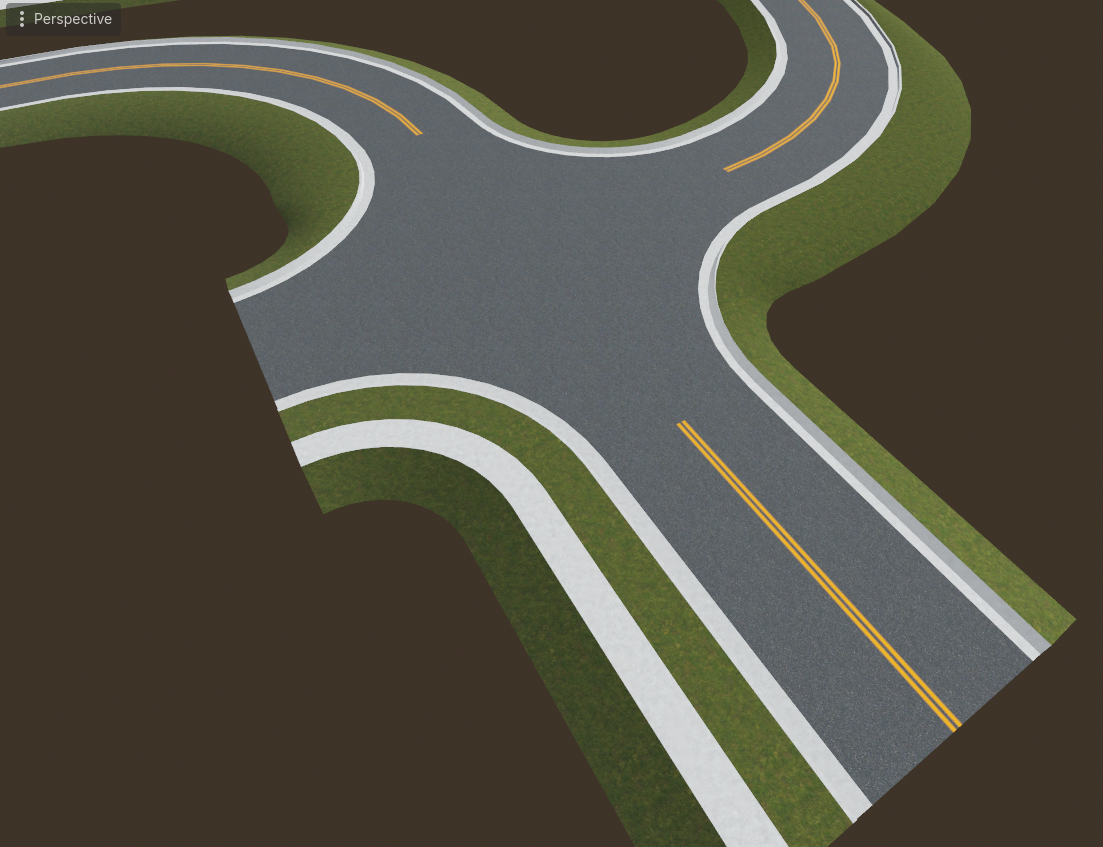
We could also hide the seam very effectively just by forcing the bank normals to point straight up. Despite the slope, you really can't see the seam between the banks and ground plane at all:
Traffic system
The road editor system was already useful to us, but adding traffic is when it really started to shine. Manually placing these paths would have been a huge pain:
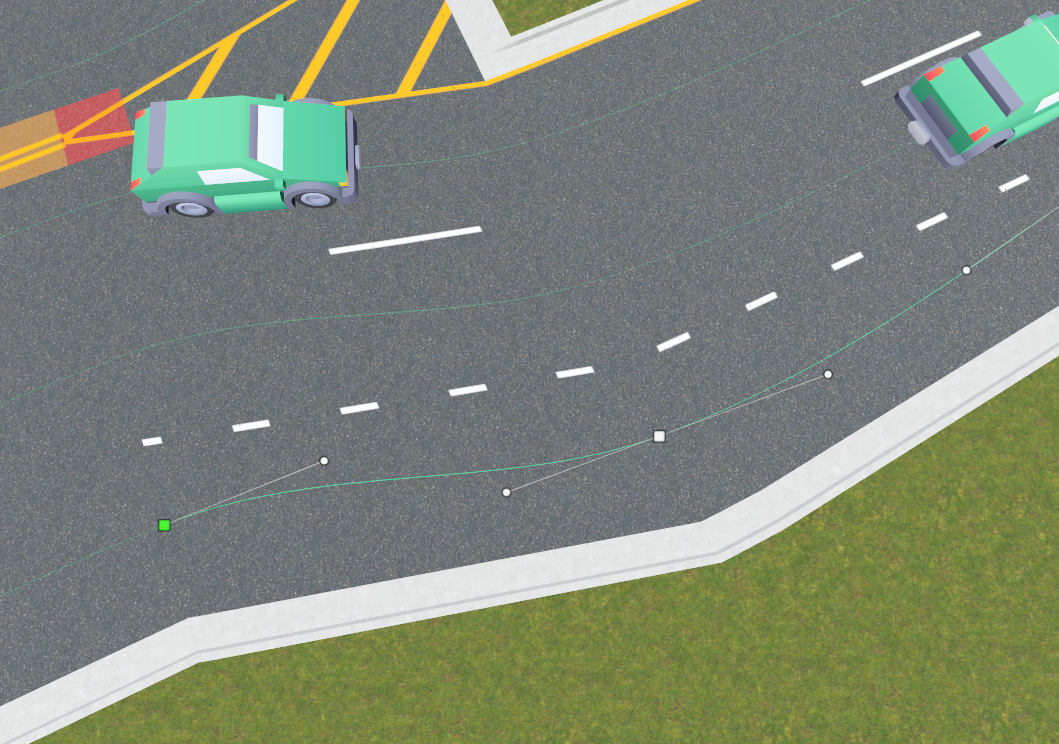
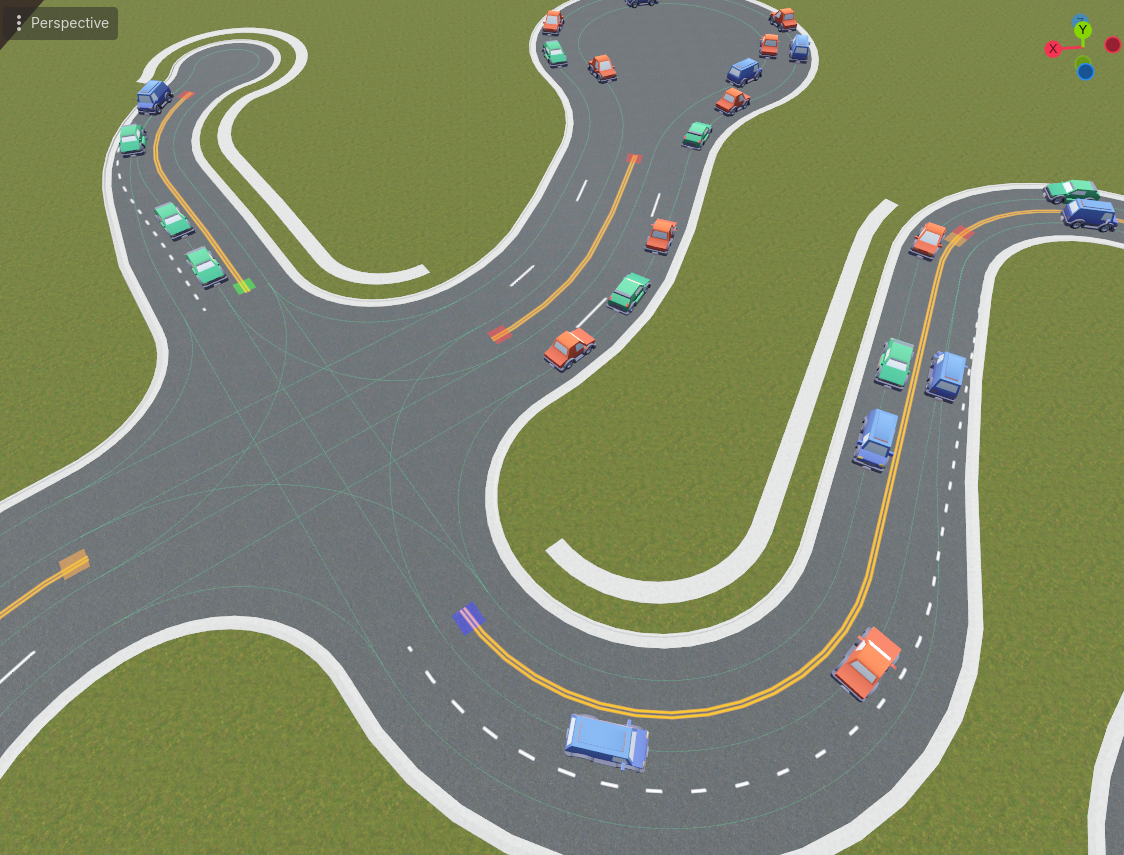
The roads carry enough semantic information to generate all possible path segments for cars to follow, as well as metadata useful for traffic control (intersecting paths, merging/diverging paths). These fixed paths and metadata keeps the car behavior relatively simple:
- When a car reaches a fork, it just chooses the next connected path at random (any choice is valid)
- Collision avoidance doesn't require any physics or spatial processing -- it's more efficient to just check the relative positions of the handful of cars on relevant paths
- Intersections can be easily controlled by toggling open/closed states of different paths
Conclusion
And with that, we've reached the state of the present day. I'm sure we'll add more road features in the future, but for now we're focusing on other priorities. Hopefully the next update will be sooner than 17 months 😄
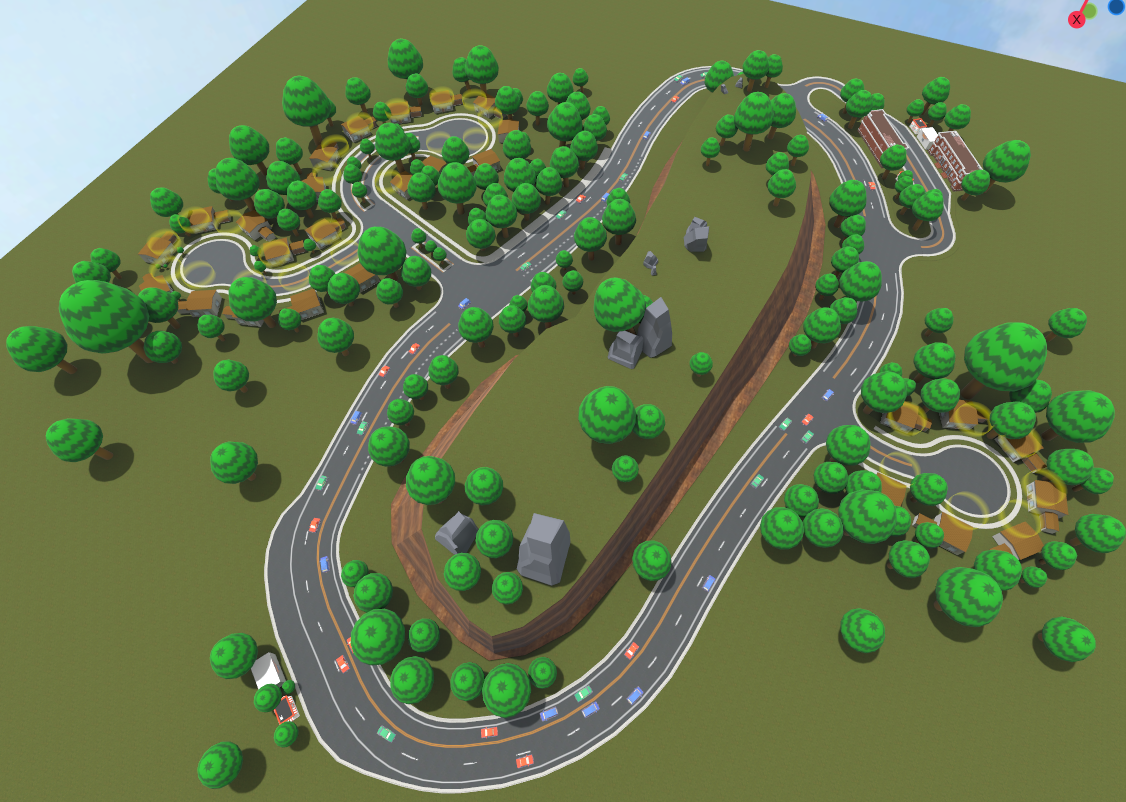
If you'd like to support Delivery Derby, consider wishlisting it on Steam, following us on social media (links below), and telling your friends!